Your old phone still has value—if you pick the right role
The easiest way to waste an old phone is to treat it like a “spare” without a plan. It ends up in a drawer, slowly losing charge, updates, and usefulness. The better approach is to give it a single, specific job—something you’ll actually reach for. An older phone can still be great at one purpose: a kitchen music controller, a bedtime audiobook player, a car-only GPS, or a simple video call device.
There are real limits, though. Older batteries wear down, storage fills up fast, and some apps stop supporting older versions of iOS or Android. If you pick a role that fits the phone’s strengths—and doesn’t require it to be your fastest, most secure daily driver—you can get months or years of extra value out of it.
First decision: is this phone a keeper or a headache?
Picture the phone doing one job every day: sitting on a counter as a control panel, living in the glove box as GPS, or staying plugged in as a camera. If that sounds useful, it’s probably a keeper—unless it fails a few quick reality checks. Does it hold a charge for at least a couple of hours off the cable? Is the screen responsive without dead zones? Can it connect reliably to Wi‑Fi and Bluetooth? If any of those are shaky, you’ll spend more time babysitting it than benefiting from it.
Also check software support. If it can’t install current system updates or the key app you’d need, limit it to low-risk offline uses like music, ebooks, or a photo frame. A cracked screen, swollen battery, or random shutdowns usually means it’s time to recycle, not repurpose.
Clean, reset, and lock it down before repurposing
The moment you give an old phone a new job, treat it like you’re handing it to a stranger. Back up anything you still want (photos, notes, authenticator codes), then sign out of key accounts—especially email, iCloud/Google, banking, and password managers. Unpair Bluetooth devices, remove old Wi‑Fi networks if the phone might leave your home, and turn off any “find my device” feature only after you’re sure you won’t need activation help later. Then do a full factory reset so you’re not building on years of clutter and permissions.
After the reset, set it up as “least access by default.” Use a fresh passcode, enable auto-lock, and install only what the new role requires. Skip unnecessary location access and background permissions. One practical downside: some roles (like a wall-mounted panel or camera) work best plugged in, which can speed up battery wear over time—so plan for a safe, ventilated spot and a decent cable.
Turn it into a smart-home control panel you’ll actually use
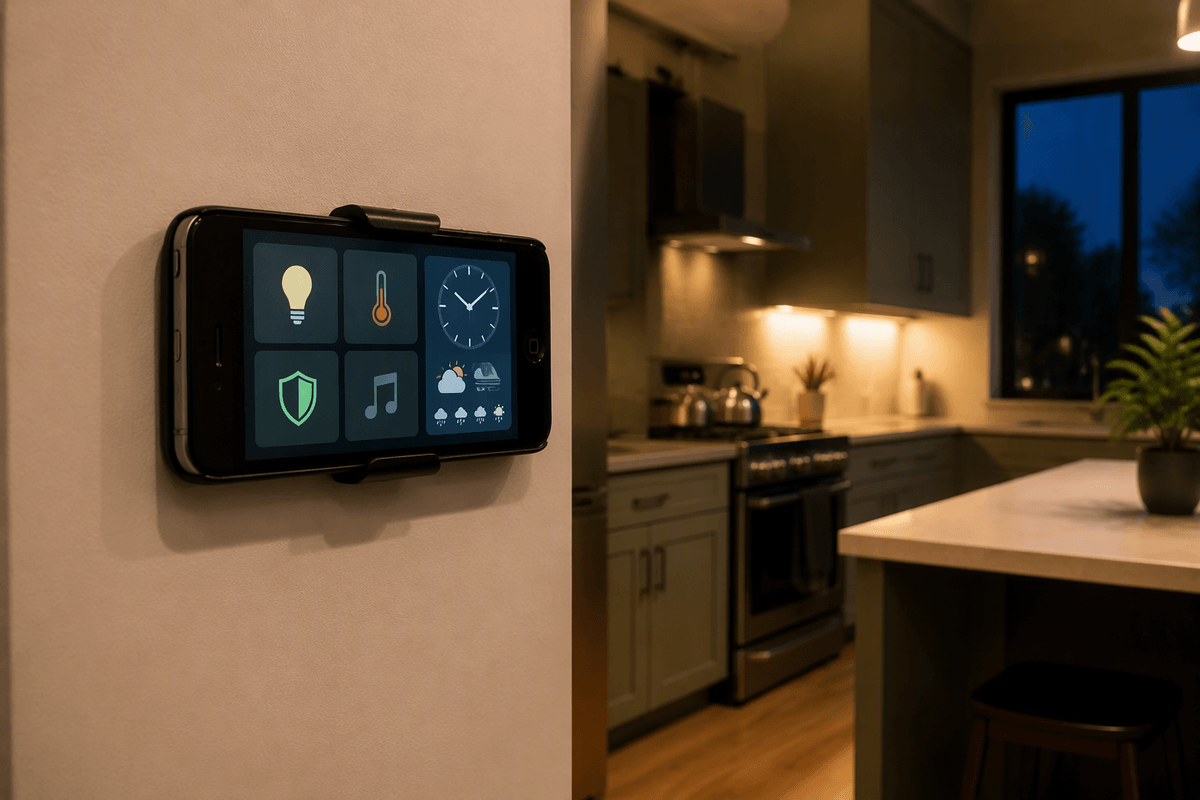
A lot of “smart home” setups fail for a simple reason: the controls are scattered across apps, and nobody wants to dig through a phone screen just to dim lights. An old phone fixes that if it lives where decisions happen—by the front door, in the kitchen, or on a nightstand. Set it to stay on Wi‑Fi only, install your core apps (Home, Google Home, Alexa, your thermostat, your lights), and put the few actions you use daily on the home screen as widgets or favorites. Turn on a big clock, weather, and a “Goodnight” or “Away” routine so the panel earns its space.
The trade-off is maintenance. Some devices need occasional re-logins or app updates, and a permanently plugged-in phone can run warm. Use a quality charger, keep it ventilated, and consider a plug timer so it isn’t charging at 100% all day.
A DIY security camera: useful, but with trade-offs
It’s tempting to turn an old phone into a “free” indoor security camera: prop it on a shelf facing the door, plug it in, and use a camera app that supports motion alerts and cloud or local recording. For checking on pets, watching a package drop area, or getting a quick look at a room while you’re out, it can work surprisingly well—especially if the phone’s camera is still decent and your Wi‑Fi is stable.
The trade-offs show up fast. Phones aren’t designed for 24/7 capture, so heat and battery wear are real, and some models will throttle or shut down if they run hot. Many camera apps rely on subscriptions for recording history, and “free” apps can be aggressive about permissions. If you do this, mount it securely, disable unnecessary accounts, limit it to Wi‑Fi, and place it where it won’t record sensitive areas like bedrooms.
Make it a “creative utility” device for daily life
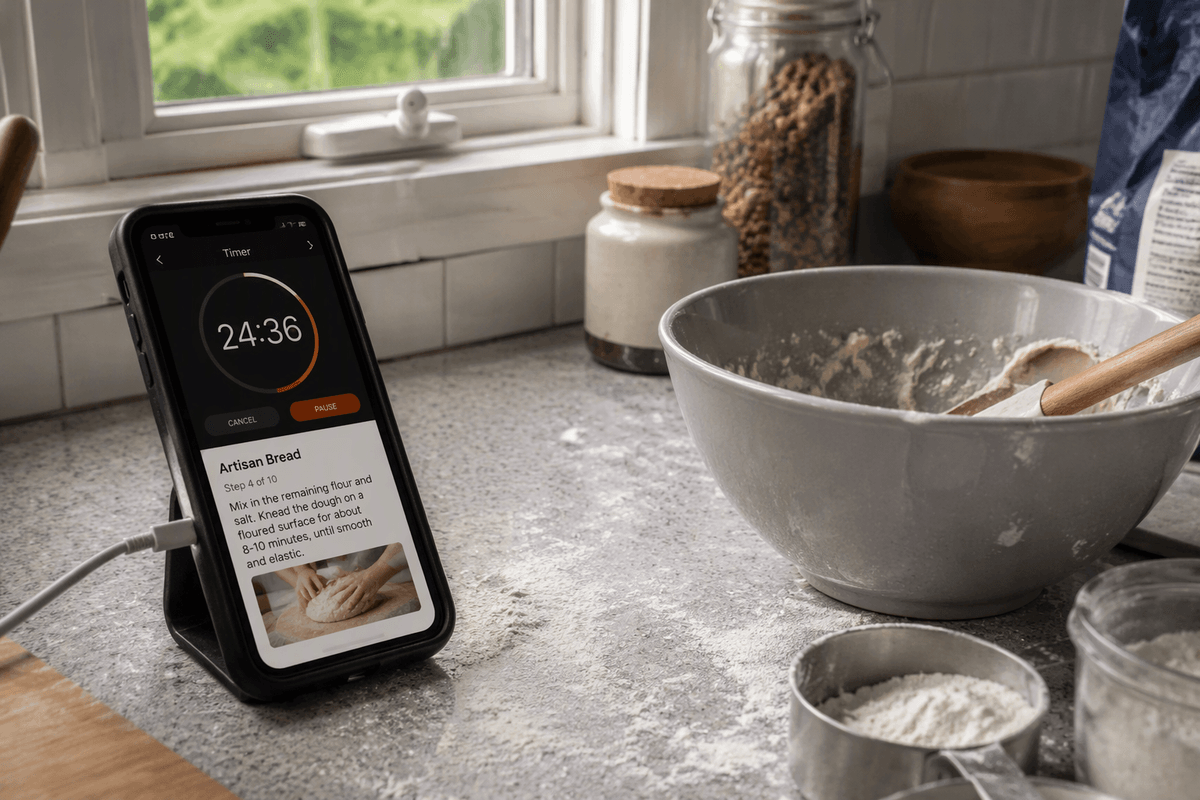
You probably have a few small tasks that don’t need your “main” phone at all—just a screen, speakers, and a stable connection. An old phone can become a dedicated bedside audiobook and sleep-sound player, a kitchen timer-and-recipe screen you don’t mind getting messy, or a bathroom podcast speaker you can leave on Wi‑Fi. It’s also a handy “scanner” for mail and receipts: install one scanning app, set it to save to a single folder, and you’ve quietly reduced paper clutter without mixing work files into your everyday camera roll.
The rule that keeps this from turning into a gimmick is focus. Pick one or two jobs, turn off most notifications, and remove anything that pulls you back into scrolling. Expect some friction: older phones can lag with modern apps, and if you use it as a near-constant player, a worn battery may mean it lives on a cable—so put it somewhere safe, ventilated, and easy to power consistently.
Special-purpose phone: travel, kids, car, and emergencies
A dedicated “special-purpose” phone is often more useful than a general spare. For travel, keep it Wi‑Fi-first with offline maps, airline/hotel apps, and a translation tool, and store digital copies of IDs and insurance in an encrypted note or a secure file app. If your main phone is lost or stolen, you still have a way to get into email, contact your bank, and reach family—just don’t make it your only device with two-factor codes.
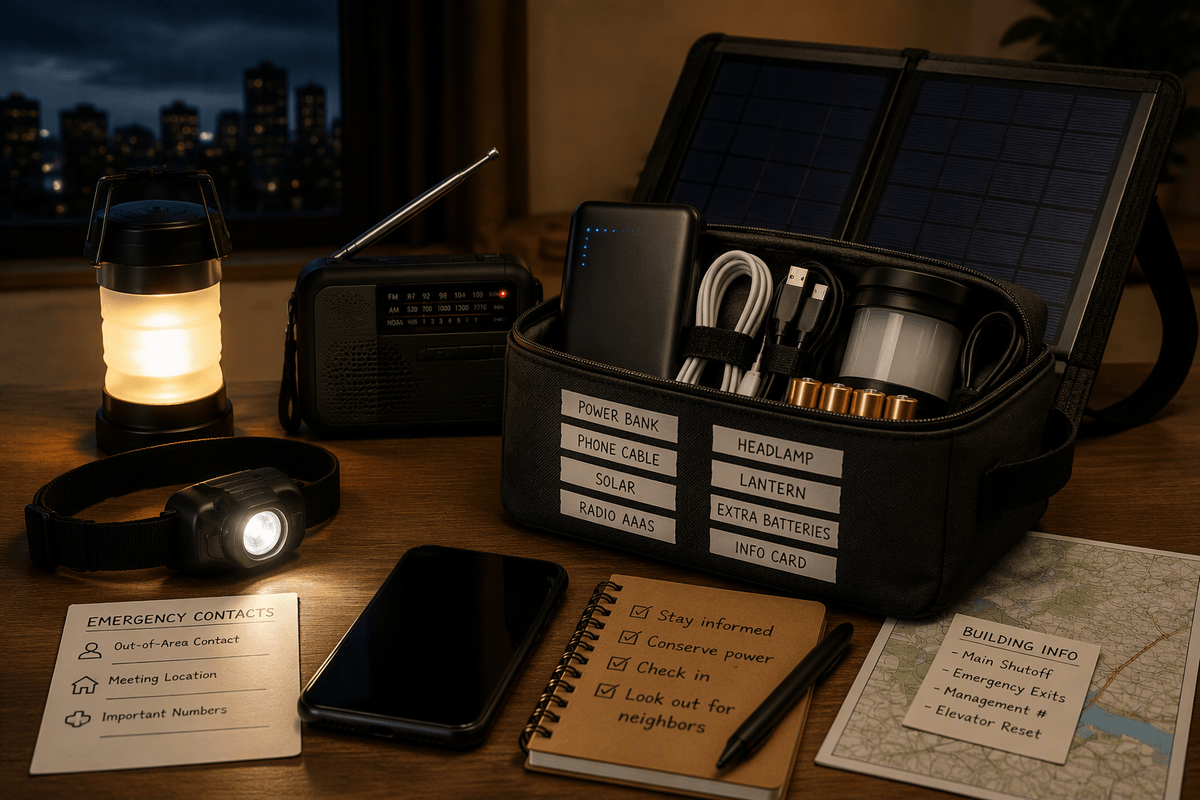
For kids, a reset phone with a tough case can be a simple calling-and-messaging device on Wi‑Fi, plus a few approved apps and downloads for long rides. For the car, it’s great as a glove-box GPS and media controller, but plan for heat: mounts and dashboards can cook batteries, so use a shaded mount and unplug it when parked. As an emergency backup, keep it charged monthly, and remember that a phone can still dial emergency services even without an active plan in many areas.
If none of these fit, recycle or donate the right way
If none of these roles fit, don’t keep the phone “just in case.” Do one last factory reset, remove the SIM, and if you can, remove any microSD card. Donation works best when the phone is recent enough to run supported iOS/Android versions and you can include a charger and case; otherwise, it often becomes e-waste for the recipient. Recycling is the safer default for cracked screens, failing batteries, or random shutdowns—use a manufacturer trade-in, your carrier, or a reputable e-waste drop-off. Expect a small cost in time (and sometimes a fee), but you’ll avoid data risk and battery hazards.