A blackout changes what “tech essentials” really means
A blackout has a way of shrinking your “must-have” tech list fast. Streaming, smart speakers, and even your router stop mattering when the power is out and your phone battery is sliding toward zero. What matters is staying reachable, getting reliable updates, and having enough light to move safely without burning through your only charging option. The tricky part is that most outages aren’t dramatic—they’re inconvenient, uneven, and long enough to drain devices while you’re still trying to work, coordinate rides, or check on family. A good kit is small, labeled, and built around a few high-impact items.
1) A dependable power reserve for your most important devices
Your first “power reserve” isn’t a generator—it’s a simple battery plan for the few devices that keep you functional: your phone, a partner’s phone, and maybe a small USB-powered hotspot or medical/assistive device. Start with one high-quality power bank you can trust, not a drawer of cheap ones you’ve never tested. Aim for enough capacity to recharge a typical phone at least two to three times, and choose a model with USB-C Power Delivery so it charges your phone faster and can recharge itself reasonably quickly when power returns.
Make it easy to use under stress: keep the bank fully topped off, label it “OUTAGE,” and store it with the exact cables you need (USB-C, Lightning, whatever your household uses). The practical catch is weight and cost—bigger banks last longer, but they’re heavier, slower to refill, and expensive enough that you should buy one good unit and actually practice using it.
2) A way to recharge when the grid is down
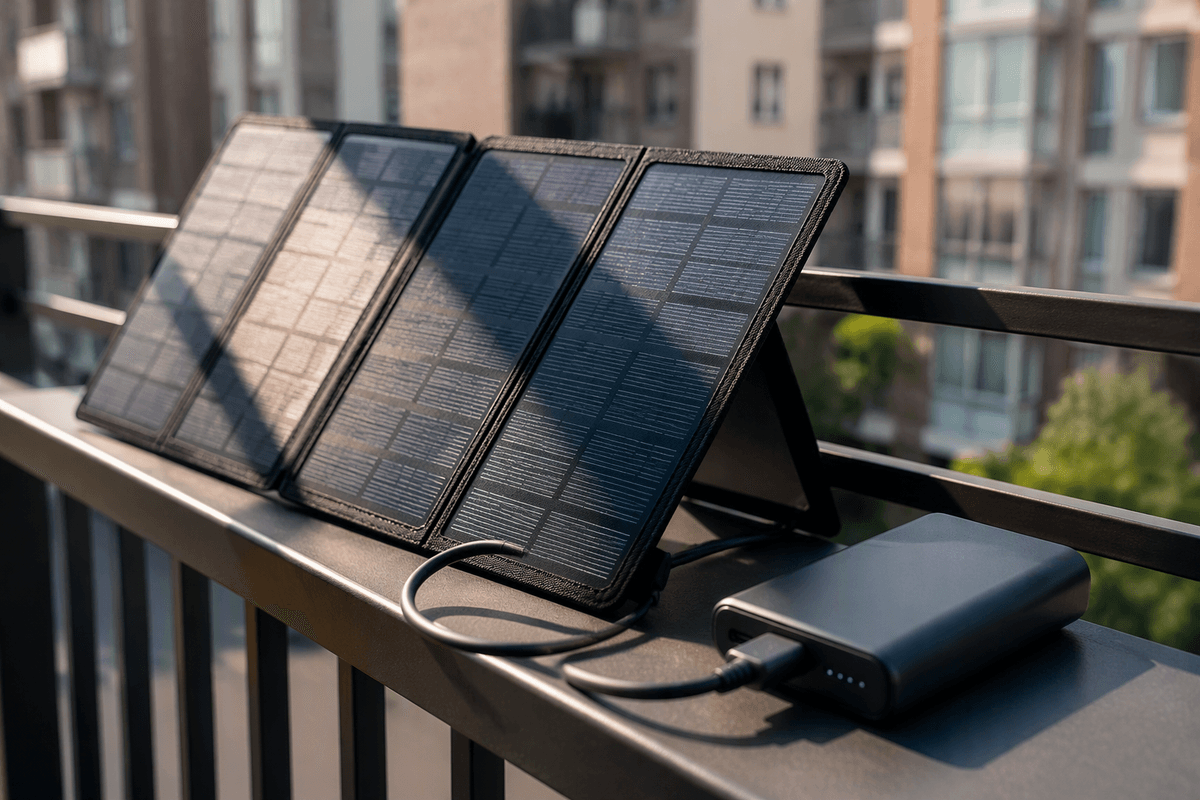
The moment an outage stretches past your biggest power bank, you need a way to add energy back in. For most apartments, the most realistic option is a compact solar panel that can charge USB devices directly or, better, refill your power bank during daylight. Look for a panel with a stable USB-C output (or a strong USB-A output if your bank only accepts that), and treat the advertised wattage as a best-case number—shade, window glass, and winter sun can cut it sharply.
Plan for friction: you’ll need a safe place to set it outside or near a bright window, and you may be competing with building rules, theft risk, or just limited sun angles. Keep a short, sturdy cable with it and test it on a normal weekend so you know what “working” looks like before you’re counting on it.
3) Light you can use safely, hands-free, for hours
You notice the lighting problem the first time you try to do something normal—find a breaker, walk the hallway, cook, or check on a neighbor—while holding a phone at chest level. Phone flashlights work, but they eat battery fast and keep your hands busy. A better default is a headlamp with a wide “flood” setting, plus one small lantern you can set on a table for shared light.
Keep it simple: standard AA/AAA models are fine if you already stock those batteries, while rechargeable headlamps are great if you can reliably top them off before storms. Look for a low mode that can run for many hours, a red mode for nighttime navigation, and a lockout so it won’t turn on in a drawer. Candles feel convenient, but in apartments they’re a real fire and smoke risk, and many buildings ban them.
4) A radio for alerts when internet and towers struggle
You usually don’t miss broadcast radio until your phone still has battery but your apps won’t load, texts hang, and maps won’t refresh. That’s when a small AM/FM/NOAA weather radio earns its spot: it pulls in local emergency alerts and basic updates without relying on your home internet or a working cell network. NOAA is especially useful for storm-related outages because the same conditions that take down lines can also make travel and safety decisions time-sensitive.
Look for a radio you can power three ways: built-in rechargeable battery, AA/AAA backup, and USB charging from your power bank. Keep it with earbuds so you can listen without lighting up the whole apartment at night. The practical downside is reception—some buildings block signals—so test it in your unit and note which room and window work best.
5) A communication plan that works under real constraints
The first communication failure in a blackout is usually “everyone assumes the network will behave normally.” When towers are congested, a short SMS often goes through when calls and group chats don’t, so set one default: text first, call only if urgent. Pick one out-of-area check-in contact (a relative in another state) that everyone can message, since local outages can overload local routing. Agree on two simple status codes like “OK at home” and “Need help,” and a meetup fallback that doesn’t require maps (a specific lobby, a nearby corner store, a friend’s building).
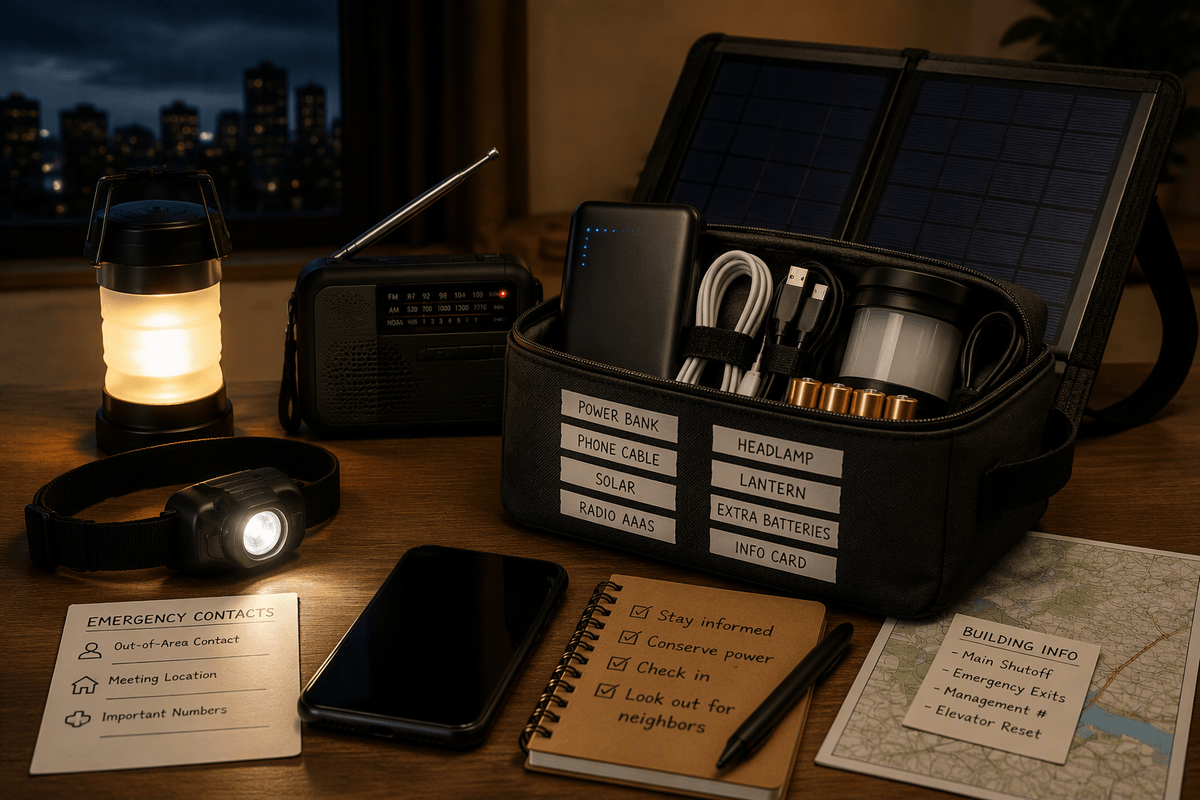
Build around constraints: phones die, so schedule check-ins (for example, at the top of each hour) and keep devices in Low Power Mode with screen brightness down. Keep a written card in your kit with key numbers and addresses; in real outages, people forget. The cost is small but real: time to coordinate ahead, and the discipline to practice once before you need it.
6) Offline info and tools you’ll wish you had saved
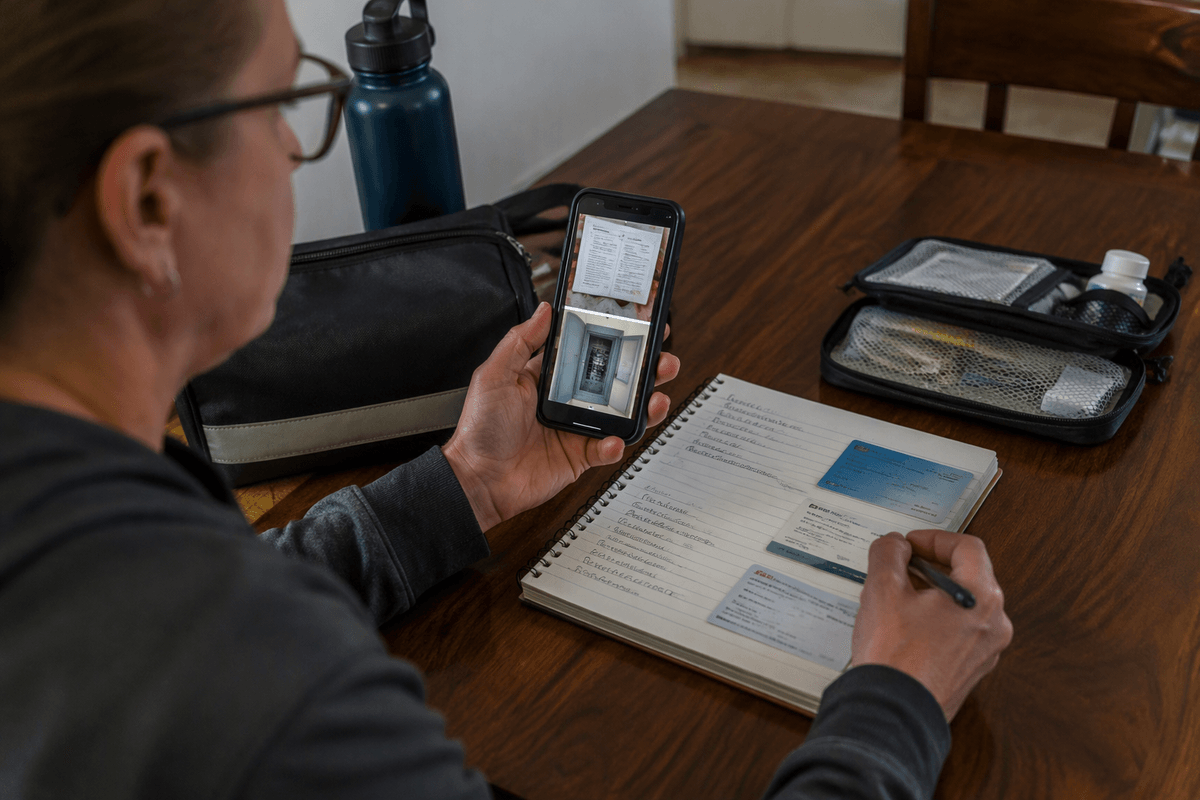
You feel the “offline gap” the first time your phone still turns on but maps won’t load, your building’s website is unreachable, and you can’t remember the cross street for the urgent care. Save a small offline bundle now: an offline map of your city/region in your preferred app, screenshots of your building’s emergency info and utility shutoffs (if you’re allowed to touch them), and a note with family addresses, medications, and insurance details. Download a few hours of entertainment for kids, too—stress drops fast when boredom is handled.
Add low-tech tools that don’t depend on a signal: a paper list of key numbers, a simple plug-in USB night light (for when power blinks back), and a tiny USB flash drive or phone “Files” folder labeled OUTAGE. The limitation is upkeep: apps log you out, maps expire, and screenshots go stale, so set a calendar reminder to refresh twice a year.
Putting it together: pack, label, test, and rotate
Put everything in one small pouch or shoebox you can grab in the dark: power bank, wall charger, the exact cables you use daily, headlamp, lantern, radio, spare batteries, and the printed contact card. Label each item with a strip of tape (“PHONE CABLE,” “RADIO AAAs,” “SOLAR”) so anyone in the home can use it fast. Then test the whole chain twice a year: can the panel refill the bank where you actually live, does the radio receive, do the lights run on low all night. Rotate batteries and refresh offline files before they quietly fail.