Where “cheap hosting” gets expensive fast
You see a hosting plan advertised at $2.99/month and think the budget is solved. The price is usually real, but it’s a temporary intro rate tied to a long term, and the “total cost” lives elsewhere: higher renewal pricing, paid backups, paid security, and performance features that matter once the site is live. A common pattern is paying more to make the plan usable—adding email mailboxes, restoring a hacked site, or speeding up a sluggish store. The practical difficulty is timing: these charges show up at checkout or renewal, when switching feels like work.
Spot the fee categories hosts don’t emphasize upfront
Most surprise charges fall into a few predictable buckets, so you can scan a pricing page with a sharper eye. Start with “account” fees: higher renewal rates, multi-year prepay requirements to unlock the promo, and taxes or payment processing that aren’t included in the headline number. Then look for “protection” fees—automated backups, restore points, malware cleanup, and basic firewall features that may be listed as optional but feel mandatory the first time something breaks.
Another common category is “deliverability and identity”: email mailboxes, SPF/DKIM setup help, domain privacy, and sometimes even “advanced” SSL management. Finally, watch for “capacity and help”: storage/bandwidth limits hidden behind “unlimited,” overage policies, staging sites, CDN, and faster support tiers. None of these are inherently bad; the cost problem is buying them one-by-one under pressure.
Promotional pricing vs. renewal: do the math before you buy
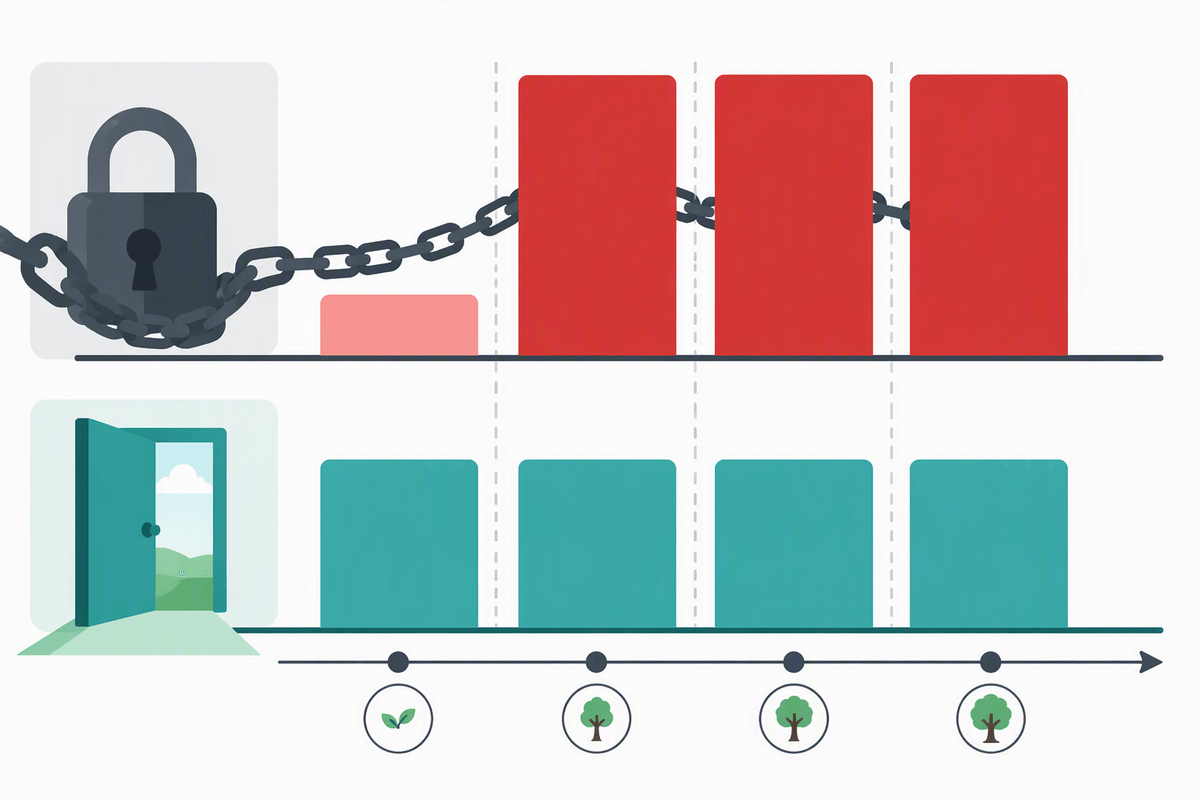
That $2.99/month headline almost always assumes a longer commitment, so treat it like a financing offer: you’re prepaying to unlock a discount, then stepping up at renewal. Before you buy, find the renewal price for the exact plan name (not “starting at”), then calculate the effective monthly cost across the full period you expect to use it. For example, a 36‑month promo paid upfront plus a higher 12‑month renewal can cost more over four years than a higher-priced plan with a stable rate.
Also check whether the promo excludes essentials you’ll pay for later: backups, email mailboxes, or a usable security bundle. If the checkout page asks you to add those to “complete your setup,” include them in your baseline math. The constraint is cash flow: long prepay terms lower the monthly number, but they lock you in and make switching harder if support or performance disappoints.
Bandwidth, storage, and “unlimited” plans that aren’t unlimited
You’ll often see “unlimited” bandwidth or storage and assume you can stop thinking about capacity. In practice, “unlimited” usually means “unmetered until you trigger a policy,” and the policy is where the cost risk hides. Hosts can limit CPU time, memory, concurrent connections, database size, or inodes (file count). A photo-heavy portfolio, a WooCommerce store with lots of product images, or a site with frequent backups can hit file limits long before “storage” looks full.
The pricing trap is what happens when you brush those ceilings: throttling that makes the site feel slow, warnings that push you into an upgrade, or a forced move to a higher tier that’s priced like a performance plan. Ask two questions before buying: what exactly is limited (and how is it measured), and what’s the consequence if you exceed it—temporary slowdown, hard suspension, or a paid upgrade. Planning for growth costs less than reacting mid-crisis.
Checkout ambush: backups, security, and performance add-ons

You pick a plan, enter payment details, and the checkout page suddenly looks like a shopping cart: daily backups, “site protection,” a CDN, caching, image optimization, and a “speed boost.” Some are genuinely useful, but the trick is framing. A host may describe backups as optional while limiting restores on the base plan, or selling malware scanning without including cleanup if you get infected. Performance add-ons are similar: the cheapest tier can feel slow under real traffic, then the fastest fix offered is a paid upgrade rather than better configuration.
Before you click buy, decide what you require: automated backups with self-serve restores, basic security monitoring, and one clear performance feature (caching or CDN). Price those as part of the baseline, not “extras,” and remember the practical constraint: these bundles often renew annually and can cost more than the hosting plan itself.
Domain, email, SSL, and other “separate bill” surprises
You can pay for “hosting” and still have a site that can’t receive email, can’t renew its name, or throws security warnings. Domains are the classic separate bill: the first year may be discounted or bundled, then renewal jumps, and privacy protection can be an extra line item. If you ever move hosts, domain transfer fees and timing (ICANN transfer locks after registration or recent changes) can add friction when you’re trying to leave.
Email is another quiet multiplier. Some plans include only aliases or one mailbox, then charge per inbox, per GB, or per advanced spam filtering. SSL is often advertised as free, but watch for paid “managed SSL,” warranty tiers, or fees to install a third-party certificate. Make a simple list—domain renewal, privacy, mailboxes, and SSL management—and confirm what’s included at renewal pricing, not just at signup.
Avoid migration, cancellation, and support-tier gotchas
Most people only discover the “leaving costs” after something goes wrong: the site is slow, support is unhelpful, or renewal is too high. Check whether migrations are included in writing, and what “migration” actually covers—moving files and a database is different from moving email, DNS, SSL, and fixing broken links. Some hosts charge for “hands-on” moves or limit free transfers to one site, one time, or only higher tiers, which turns switching into a paid project.
Cancellation can be its own trap. Look for strict refund windows, nonrefundable domain or add-on fees, and requirements to cancel inside the control panel (not by email). Also verify support tiers: 24/7 chat may be sales-first, while real troubleshooting sits behind “priority” support. If support is tiered, price the tier you’d want during an outage.
A quick pre-purchase checklist to lock in predictable costs
You’re about to buy or renew, the cart is open, and everything looks “simple” again. Slow down and run a short checklist: confirm the renewal price for the exact plan name, then price the full term you expect to stay (including any annual add-ons). Verify what’s included for backups (frequency and self-serve restores), security (scan versus cleanup), and email (number of mailboxes and per-inbox cost). Find the real limits behind “unlimited” (CPU/memory/inodes) and what happens if you hit them. Finally, check migration coverage, cancellation steps, refund window, and whether the support tier you’d need costs extra.