Two great Meta headsets, two very different priorities
The Quest 3 and Quest Pro are both strong headsets, but they’re optimized for different kinds of buyers. Quest 3 is the newer, cheaper option that focuses on mainstream VR: sharp visuals, solid mixed reality for the price, and better overall value if your goal is games, fitness, and casual media. If you want one headset that “just makes sense” for most people, this is usually it.
Quest Pro is the older premium pick that still caters to a narrower set of priorities: comfortable long sessions, more premium controllers, and features that can matter for work-style use and social presence. The catch is cost—especially if you’re buying new or adding accessories—so it only pays off when those specific strengths match how you’ll actually use it.
Start with your use case: games, work, or mixed reality
If most of your hours will be games—standalone titles, fitness apps, rhythm games, and the usual “pick up and play” VR—Quest 3 is the straightforward choice. It’s the better value, it’s the one developers are actively targeting first, and it delivers the kind of clarity and smooth performance you notice immediately without paying a premium for features you won’t use.
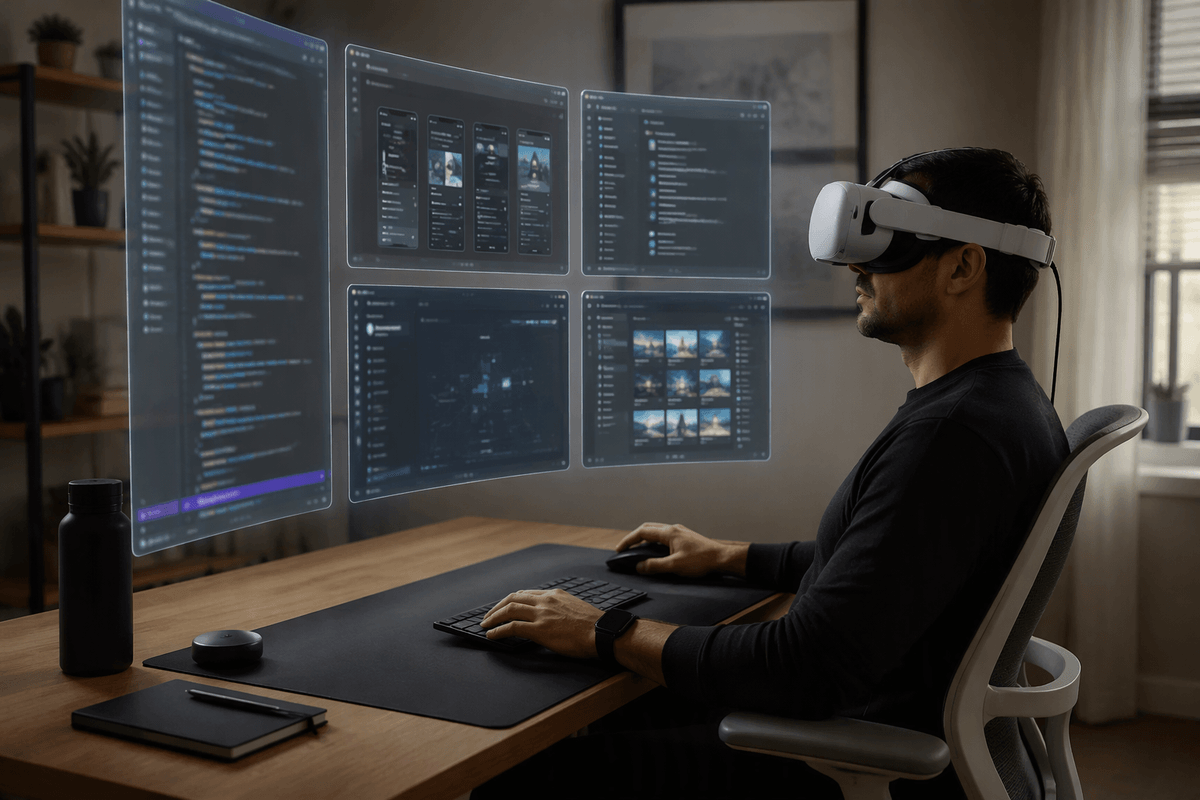
If your VR time looks more like work sessions—multiple virtual monitors, meetings, typing, long stretches in apps like Immersed or Horizon Workrooms—Quest Pro can still make sense because it was built around comfort, better-balanced weight, and higher-end controllers. The practical downside is that “work VR” often requires extra spend (a good strap, a charging dock, sometimes a keyboard/mouse workflow, and often a capable PC), and even then you’re accepting an older platform.
If mixed reality is the hook, be honest about what you mean: occasional room-aware gameplay and quick demos generally favors Quest 3, while face/eye tracking-driven social presence and controller consistency can keep Quest Pro in the running.
Comfort and fit: long sessions vs quick play
If you’ve ever taken a headset off after 30 minutes because your face felt “pressed in,” comfort stops being a nice-to-have and becomes the deciding factor. Quest Pro’s halo-style design spreads weight around your forehead and the back of your head, which tends to feel better in longer sessions and makes it easier to flip between VR and your real room without constantly readjusting. It’s also easier to put on quickly without hunting for the perfect strap tension.
Quest 3 can be comfortable, but out of the box it’s more front-heavy, and many people end up budgeting for an upgraded strap (and sometimes a counterweight or battery strap) to make hour-long play feel stable. That extra cost and setup effort is the trade: Quest 3 wins on value, but Quest Pro often wins on “I can stay in here longer.”
Visuals and performance that you actually notice in-headset
In-headset, the difference you notice first is clarity at the edges and how clean text looks when you glance around. Quest 3’s newer optics tend to give you a larger “sweet spot,” so menus and distant details stay sharp without as much micro-adjusting. That matters for games where you’re constantly scanning, and it also helps casual media and web browsing feel less fussy.
Quest Pro can still look excellent, especially with its premium-style lenses and strong contrast, but it’s easier to run into situations where the image feels a little less uniformly crisp depending on fit and face shape. Performance-wise, most standalone games target Quest 3 first now, and you’re more likely to see smoother frame pacing and better headroom in newer releases. The practical constraint is storage and thermals: big games eat space fast, and longer sessions can expose throttling or comfort limits if your setup isn’t dialed in.
Controllers and tracking: precision, hand tracking, and reliability
You notice tracking most when it fails: a controller drifts during a fast reload, a sword swing “skips,” or your hands disappear when you reach behind your back. Quest Pro’s controllers are often the steadier option in those moments because they’re designed to be more consistent across awkward angles and in rooms where lighting isn’t ideal. If you play competitive shooters, rhythm games, or anything that rewards repeatable precision, that reliability can feel like a real upgrade even if the headset is older.
Quest 3’s controllers are still very good for most people, and they’re lighter and simpler to live with day to day. The trade-off is that hand tracking and controller tracking can be more sensitive to how you play and where you play—dim rooms, busy backgrounds, or lots of out-of-view hand movement can expose limits. Also budget for practical annoyances: charging habits, replacing batteries (or buying rechargeables), and the time cost of troubleshooting when tracking gets flaky right before a session.
Mixed reality and productivity: where Quest Pro still matters
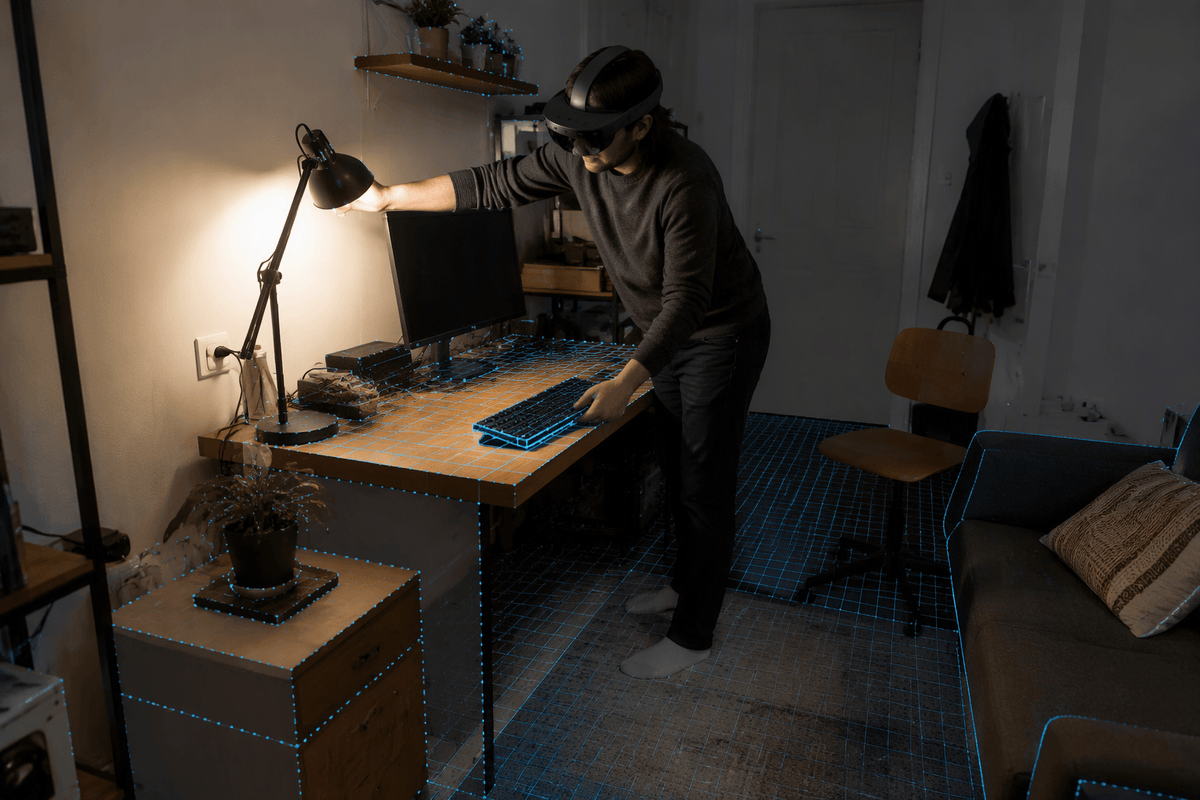
If you want mixed reality because you’ll actually use your room—checking a phone, seeing a keyboard, walking to a shelf, or keeping an eye on someone else in the space—Quest 3 tends to be the more satisfying “put it on and go” option. Its passthrough is generally clearer and more comfortable for quick MR games, room-scale demos, and light productivity where you mainly need basic awareness, not a perfect view.
Quest Pro still matters when “productivity” means long, seated sessions and a more work-like setup: reading lots of text, juggling multiple windows, taking calls, and doing repeated controller-driven interactions without tracking hiccups. The halo fit helps you stay in longer, and eye/face tracking can improve social presence in supported apps. The constraint is real: MR work is still fiddly—expect time spent tuning your space, lighting, and input devices, and accept that some apps treat MR as a bonus mode rather than a core workflow.
Battery, storage, ecosystem, and the real cost to own
You’ll feel the “cost to own” most in charging routines and add-ons. Quest 3’s battery can disappear fast in mixed reality and higher-performance games, which is why many buyers end up with a battery strap, a dock, or a long USB-C cable for seated play. Quest Pro’s battery setup can be easier to live with day to day if you already like the halo fit and a dock-style workflow, but replacements and accessories tend to be pricier, and you’re buying into an older platform.
Storage is the quiet budget trap. Bigger standalone games, MR titles, and captured videos fill space quickly, and deleting/redownloading gets old if you bounce between a few “forever” apps. Ecosystem-wise, both live in the same Meta library, but Quest 3 is where most new optimization effort lands, so you’re paying less while getting the longer runway.
Decision shortcuts: which one to buy in three scenarios
If you mostly play standalone games (fitness, shooters, co-op, rhythm), buy Quest 3. Put the savings toward a better head strap and either rechargeable batteries or a charging dock, and you’ll still land at a stronger value than a Pro setup for most players.
If you do long, seated sessions for work-style VR, VRChat/social presence, or anything where controller reliability is the difference between “usable” and “annoying,” Quest Pro can still be the better tool—especially if you already know the halo fit works for you. Just price it like a premium workstation purchase, not a bargain.
If you’re split and price-sensitive, default to Quest 3. If Quest Pro is only appealing because it’s “premium,” it’s usually poor value unless those specific strengths solve a real problem you have.